Ask questions
Ask answers questions from the docs of your team. Each answer shows the docs that it used. When your docs do not have the answer, Ask tells you.
Ask a question
- Select Ask.
- Type your question in Your question, in plain words. For example: "How do I roll back a deploy?"
- Select Ask, or press Enter.
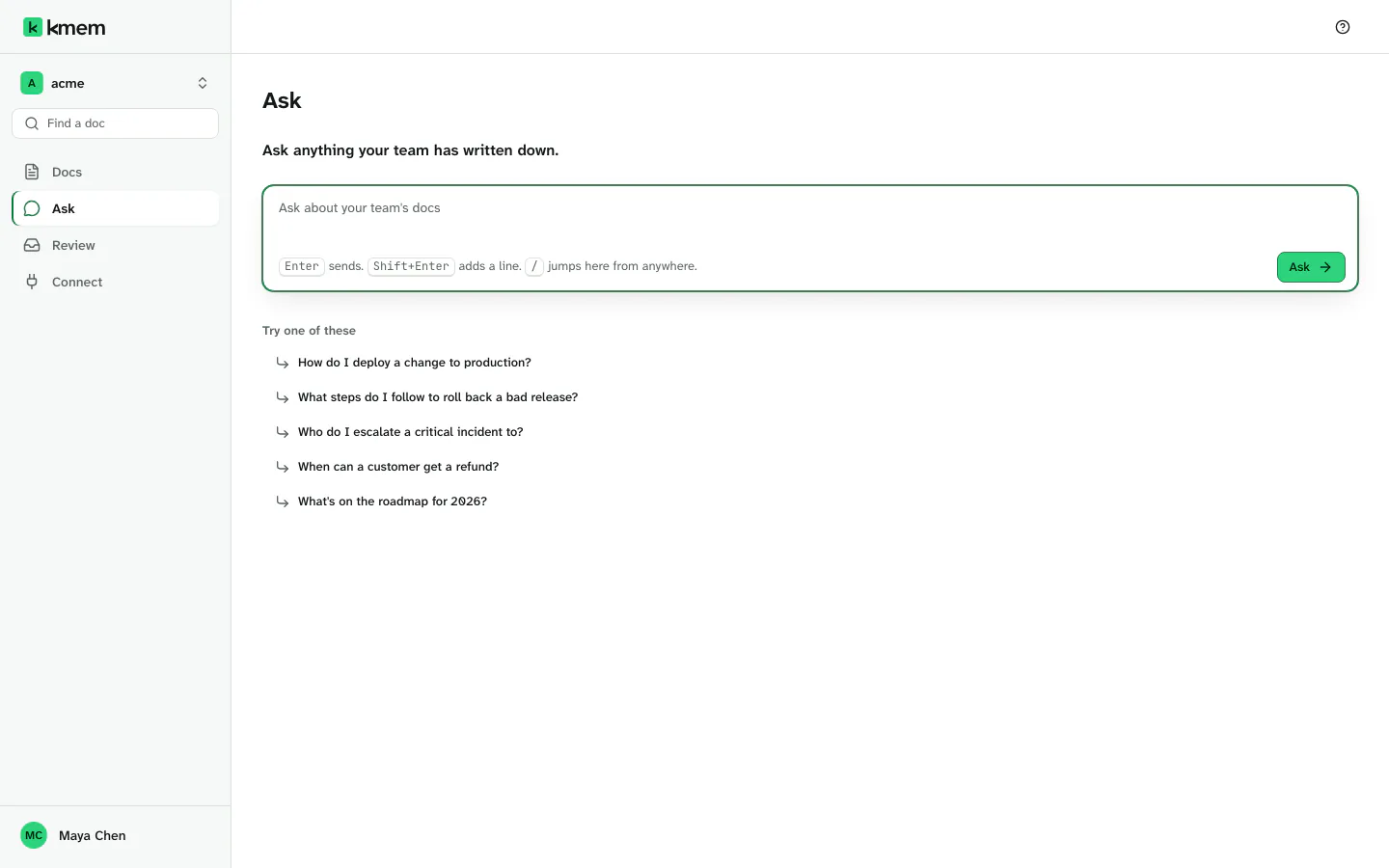
Before your first question, Ask shows Ask anything your team has written down. and some suggested questions. Select a suggested question to ask it.
These keys help you in Ask:
- Enter sends the question.
- Shift+Enter adds a new line to the question.
- The / key moves the focus to the question field from anywhere on the Ask page.
A question can have up to 2,000 characters. If a question is longer, Ask tells you how long it is. Shorten it, then ask.
If the org has no docs yet, Ask says Ask needs docs to answer from. Import docs, write a doc, or connect an agent first.
Read the answer
While Ask works, it shows Reading your docs…. The answer then appears, a few sentences at a time.
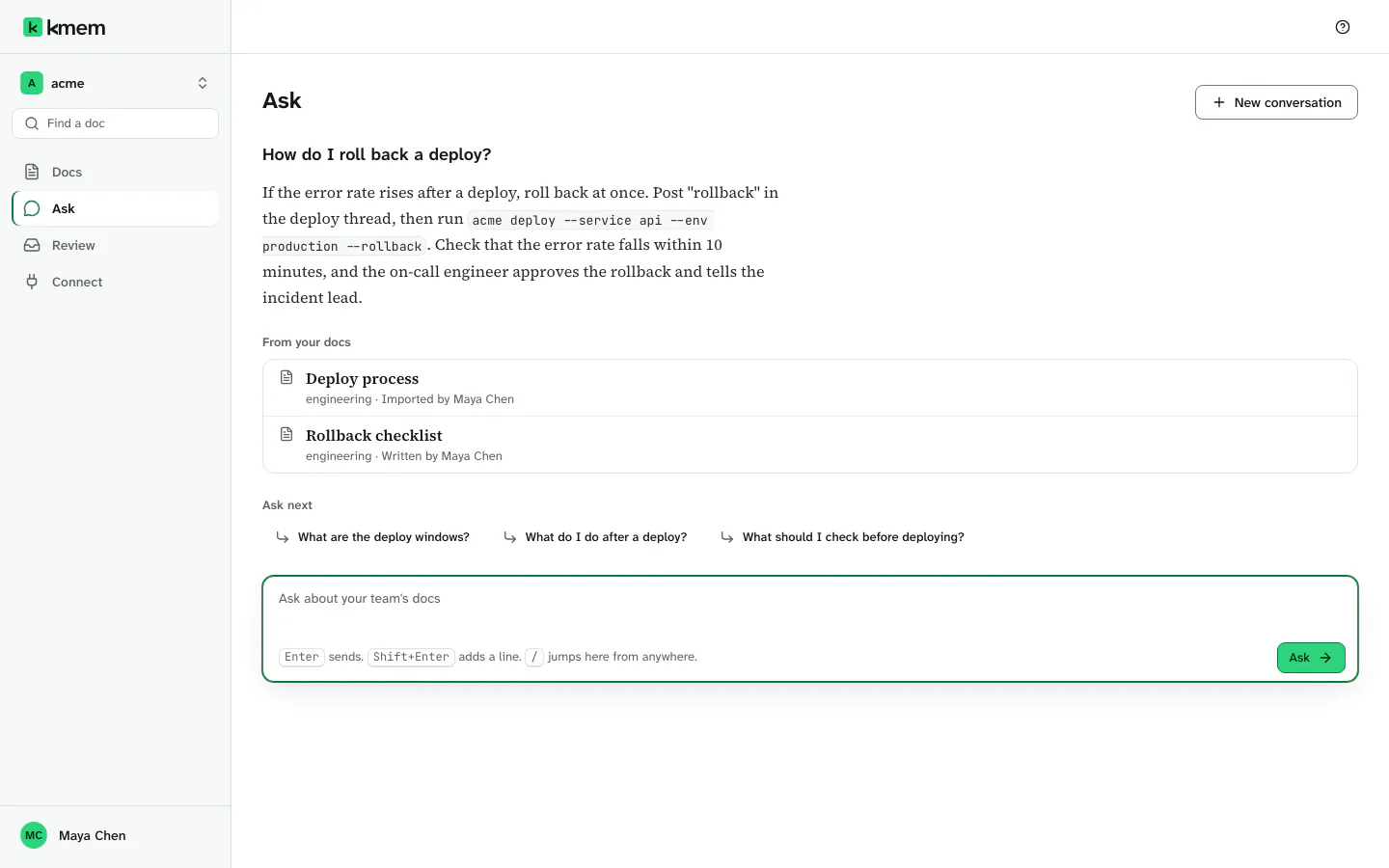
An answer has three parts:
- The answer itself. It is short prose, of two to six sentences.
- From your docs. The docs that the answer used.
- Ask next. Up to three follow-up questions. Select one to ask it.
Ask answers only from your docs. It does not use facts from other places. If the answer seems wrong, open the docs under From your docs and check them. Fix the doc if it is wrong.
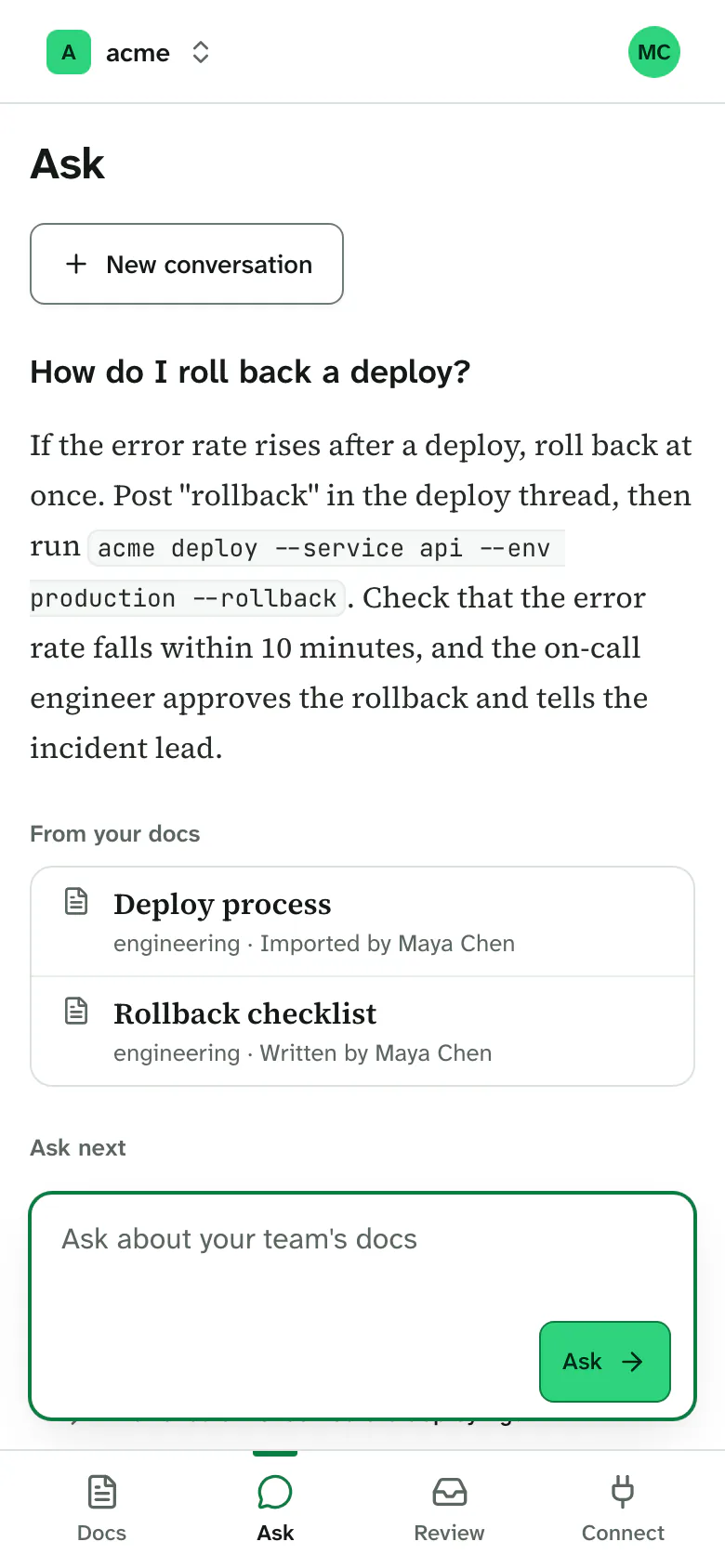
Ask works in the browser of a phone too.
A long question shows only its start. Select Show all to see all of it, and Show less to shorten it again.
See the docs an answer used
Each doc under From your docs shows its title and its folder. Select a doc to open it.
If the org uses verification, a source can also show its trust state, for example Verified or Accepted. Read Verify facts.
Ask a follow-up question
Type the next question in the same conversation. Ask reads the earlier questions and answers of the conversation, so a follow-up can be short. For example, after "How do I roll back a deploy?", ask "Who approves a rollback?".
Ask reads only the most recent part of a long conversation. For a new subject, start a new conversation.
When your docs do not have the answer
If your docs do not answer the question, Ask says Not in your docs yet. It does not invent an answer.
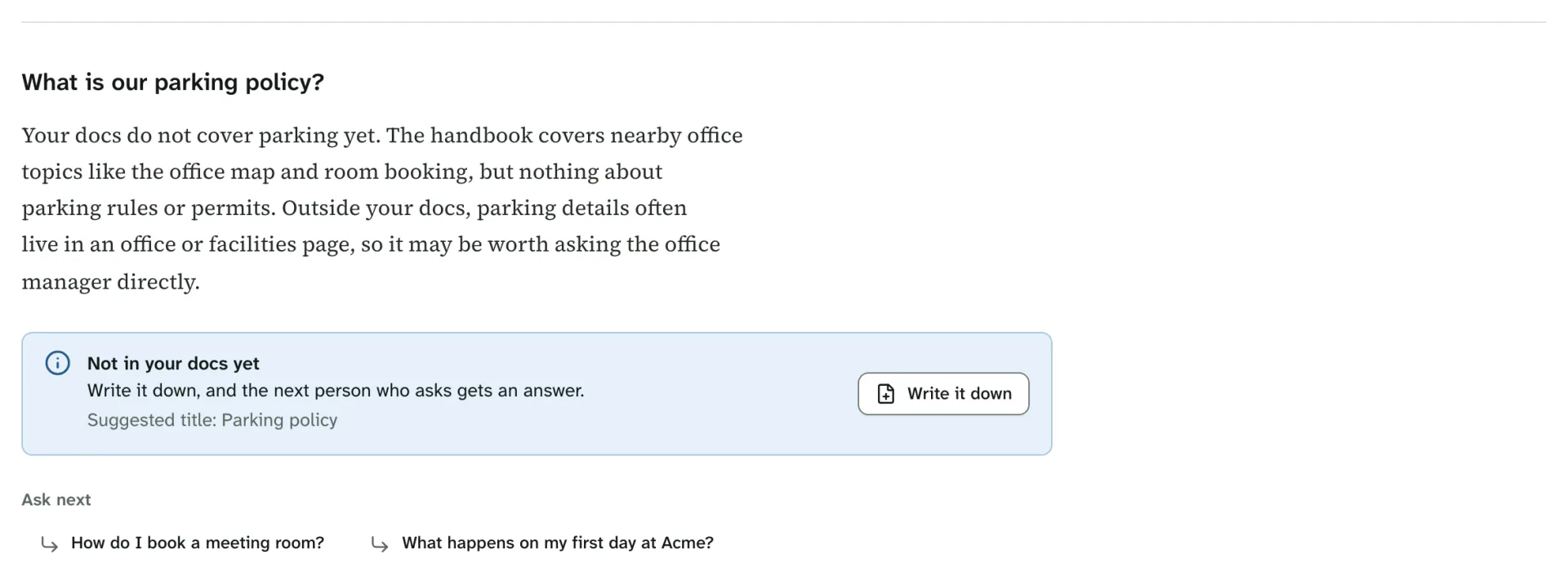
Ask also suggests a title for a new doc, for example Suggested title: Parking policy. To add the missing knowledge:
- Select Write it down.
- kmem opens the New doc page with the suggested title. The page shows your question, for example From your question: What is our parking policy?.
- Complete the page, and select Create doc.
- Write the answer in the doc, and save it.
- Select Back to Ask to return to your conversation.
The next person who asks the question then gets an answer.
Ask can also say this:
- kmem could not search all your docs. Part of the search did not run, so Ask can miss a doc. Ask again in a few minutes.
Stop an answer
Select Stop while Ask writes the answer. You can also press Esc.
Ask shows Stopped. This answer may be incomplete. Ask the question again for a complete answer.
Clear the conversation
Select New conversation to clear the conversation and start again.
kmem shows Conversation cleared. with Undo. Select Undo to get the conversation back.
kmem keeps the conversation only in this browser tab. When you close the tab, the conversation goes away. kmem does not store your questions as docs.
What Ask can read
Ask reads your docs with your own access:
- It reads only the docs that you can read. A Private doc whose list does not include you never reaches your answer.
- It never reads docs of another org.
- It leaves out superseded text.
- It uses agent text that nobody accepted or verified. With verification on, that text ranks below text that a person accepted or verified.
- It never uses a change that waits in Review.
Ask changes nothing. It does not write or edit docs.
A new doc can take a few minutes to reach Ask. While kmem indexes new docs, Ask says kmem is still reading your newest docs. An answer may miss them for a few minutes.
Limits
| Limit | Value |
|---|---|
| Length of a question | 2,000 characters |
| Questions for each person | 60 requests a minute |
| Follow-up questions | Up to three for each answer |
| Conversation | The most recent turns of one conversation, in one browser tab |
If you ask too many questions in a minute, Ask says You asked more questions than one person can in a minute. Wait a minute, then ask again.
If the connection drops while Ask answers, Ask says so. Ask the question again.
If your session expired, Ask says Your session has expired, so kmem read nothing. Sign in again, then ask the question again.