Welcome to kmem
kmem is a knowledge base for your team and your AI agents. People write docs in Markdown. Agents read the docs and propose changes. A person decides which changes go into the docs.
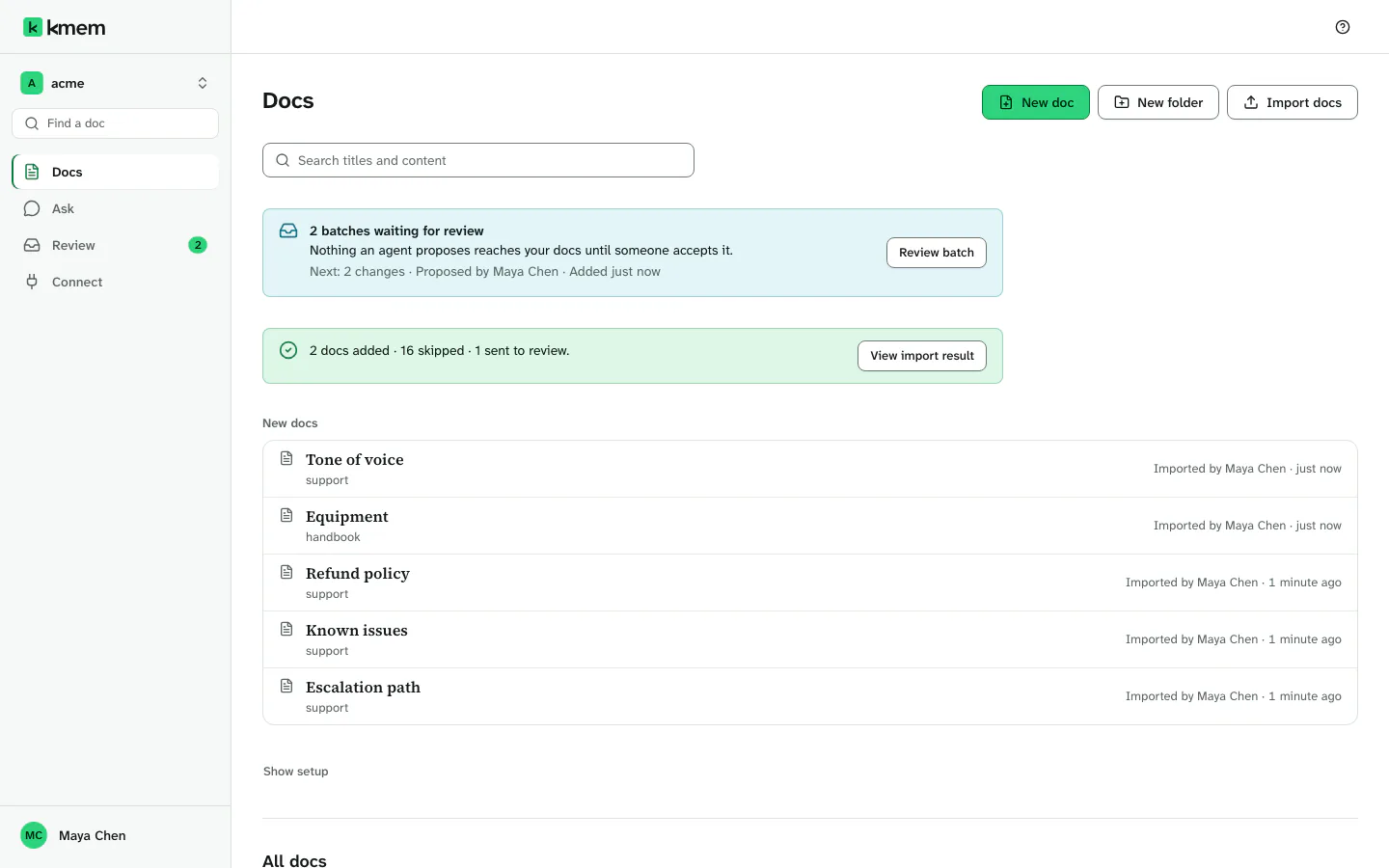 (open the full-size image, opens in a new tab)
What kmem does
kmem keeps the written knowledge of your team in one place. It does these things:
- It stores each doc as a plain Markdown file. You can export all of your docs at any time, and any text editor can open them.
- It indexes each doc, so that people and agents can find the right paragraph with a question.
- It connects AI agents to your docs over MCP. ChatGPT, Claude, Claude Code, Cursor, Codex and other agents can read your docs.
- It holds the changes that agents propose in Review. A person accepts or rejects each change. A read-only connection cannot write or propose.
- It answers questions from your docs in Ask, and it shows the docs that each answer used.
- It controls who can read each doc. A doc can be open to the whole org, or only to the people and groups that you choose.
Each org has its own address, for example acme.kmem.app. The docs, the members and the agent connections of an org stay in that org.
The words this guide uses
| Word | What it means |
|---|---|
| Org | The space of your team. An org has its own address, its own docs, its own members and its own agent connections. |
| Doc | One Markdown page. Each doc has a title, an address such as engineering/deploy-process, and a history of versions. |
| Folder | A group of docs. The first part of the address of a doc is its folder. A folder can limit who can open its docs. |
| Visibility | Open or Private: the level that decides which people can read a doc. An agent reads what the person who connected it can read. Control who can read a doc explains both levels. |
| Member | A person in an org. Each member has one role: owner, admin or member. |
| Group | A named set of members, such as Engineering. You can share a doc or a folder with a group. |
| Connection | The access that one agent has to your docs. A connection has a name, a permission and an expiry, or no expiry. |
| Review | The area where changes wait for a person to accept or reject them. |
| Batch | A set of changes that arrived together, from one agent or from one import. You accept or reject a batch in Review. |
| Quick Connect | A private URL that gives an agent written instructions for kmem. Use it for an agent that cannot use MCP. |
How this guide is organized
The list at the side of the guide puts the pages in seven sections. The sections follow the order in which most teams start to use kmem. Each link below opens the first page of a section:
- Get started: create your account and your org, and learn the parts of the kmem window.
- Docs: read, write, organize and share docs, and move docs into kmem and out of kmem.
- Review and facts: accept or reject the changes from agents, and verify facts.
- Connect agents: connect ChatGPT, Claude, Claude Code, Cursor, Codex and other agents.
- Ask: get answers from your docs.
- Account and org: manage your account, the org settings, and the members and groups of the org.
- Troubleshooting: find the cause and the fix for a common problem.
To find a page by its title, type a word in Find a help page at the top of the list. On a phone, select Help pages to open the list.
Each page starts with a short summary. The guide shows the labels of kmem screens in bold type. It shows other labels in quotation marks. Examples are the labels in ChatGPT and Claude, and on the kmem page where you approve an agent.
Where to start
Start with the page that matches your task:
| You are | Start here |
|---|---|
| A person who creates a new org for a team | Create your account and org |
| A person who got an invitation to an org | Join an org from an invitation |
| A person who connects an agent to kmem | Connect agents |
| A person who wants an answer from the docs | Ask questions |
| A person with a problem | Troubleshooting |